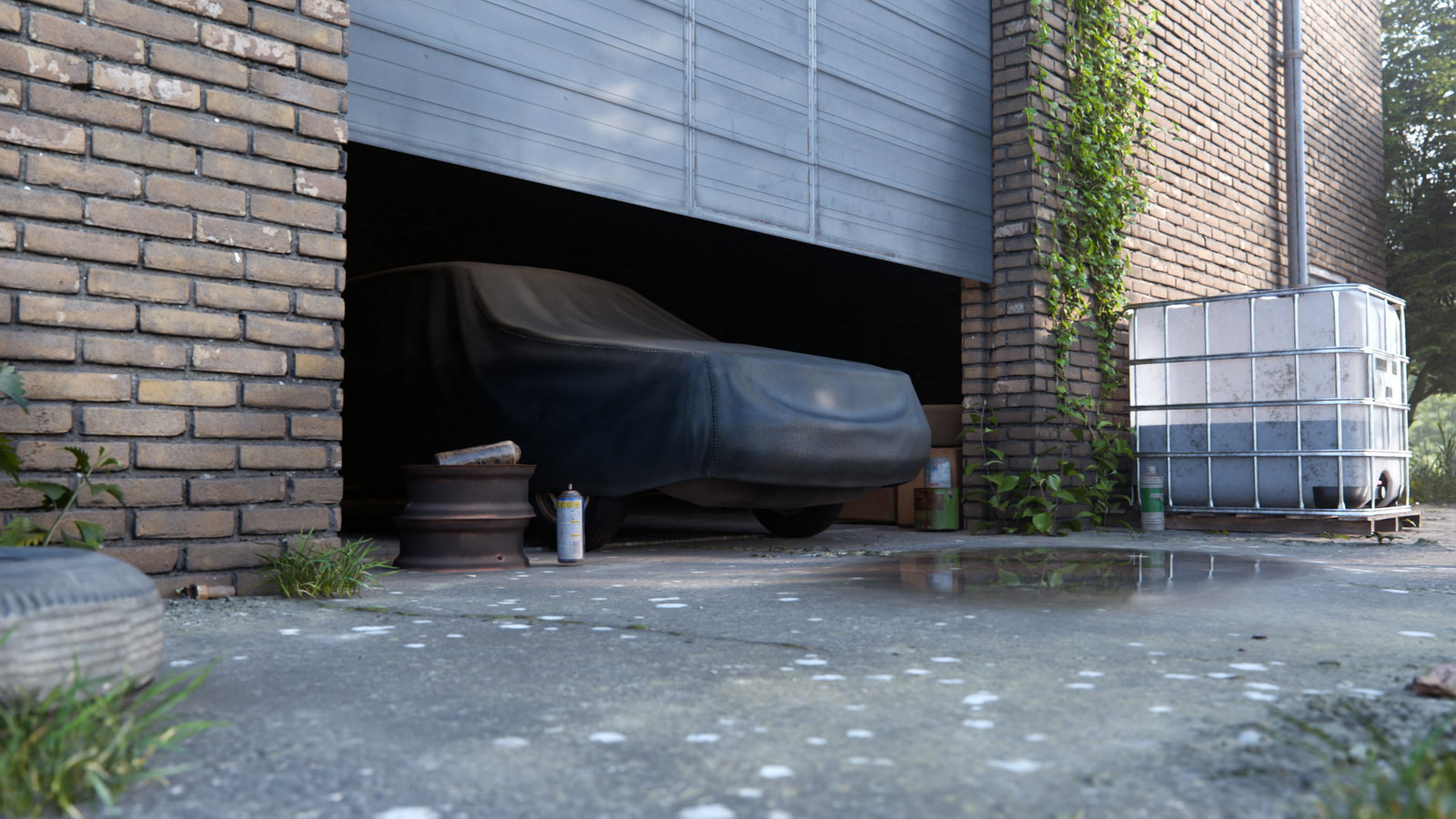
A Poly Haven Course
Turn the real world into production-ready 3D assets
Learn the production workflow behind Poly Haven's world-class scans.
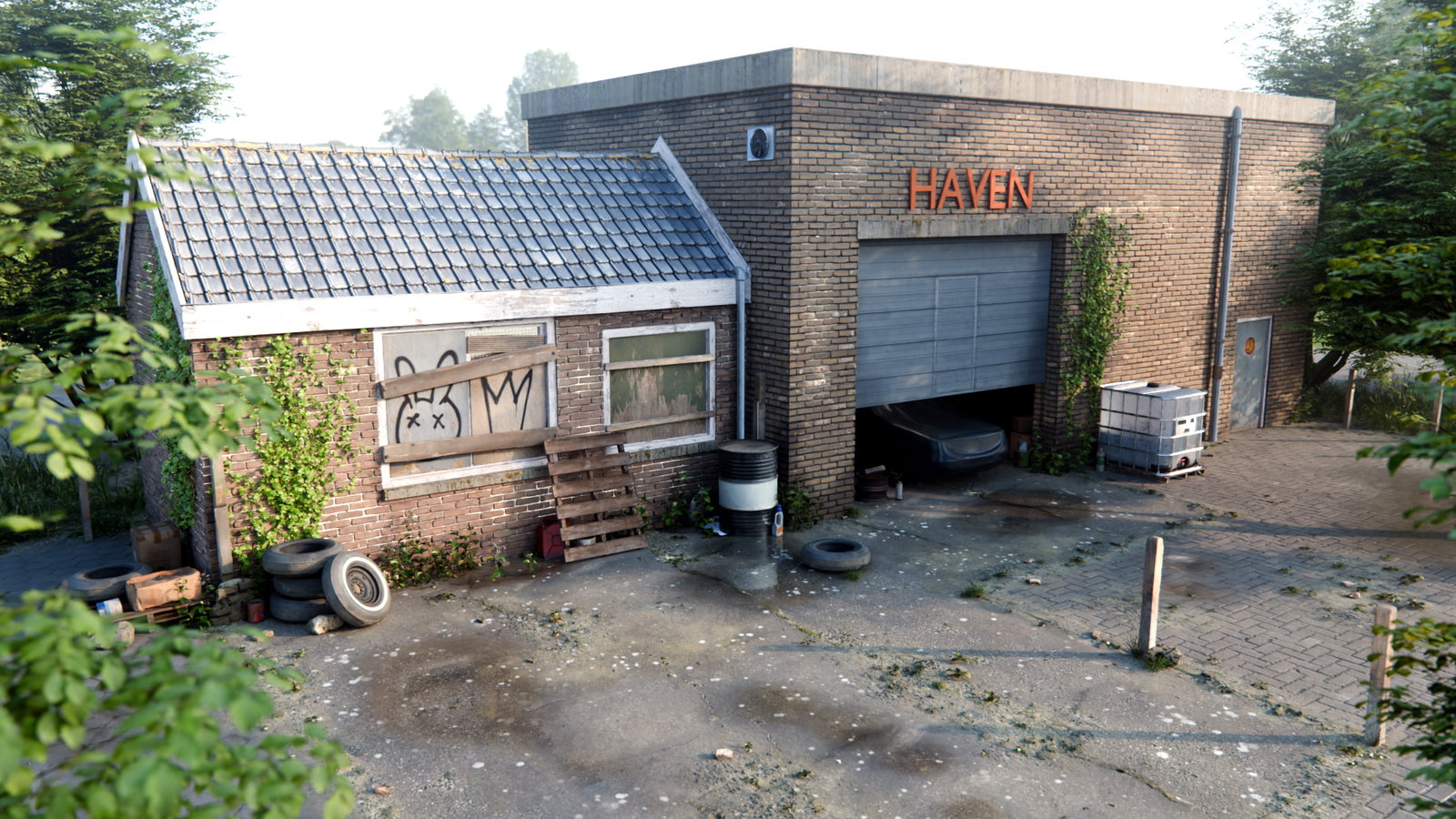
Join us on location in an abandoned factory and follow every step, from capture to a finished Blender environment.
- 6 chapters
- 62 lessons
- 7.8 hours
- CC0 project files
Find and photograph the right surfaces and objects on location.
Turn raw photos into clean tileable materials and game-ready models.
Assemble, light and dress a finished environment around your own scans.
Not just another intro photogrammetry tutorial
This course teaches you the decisions behind photogrammetry - which surfaces are worth capturing, which techniques to use and when - not just which buttons to push or how to photograph a rock.
It's the full production pipeline we use to make the assets you already download from Poly Haven, start to finish, on one real project.
By the end you won't just know the tools - you'll know exactly what to do when you arrive on location with a camera.
From an empty lot to a finished scene
One continuous project in six stages. Learn a repeatable system, not a bag of tricks.
Learn what makes a great scan
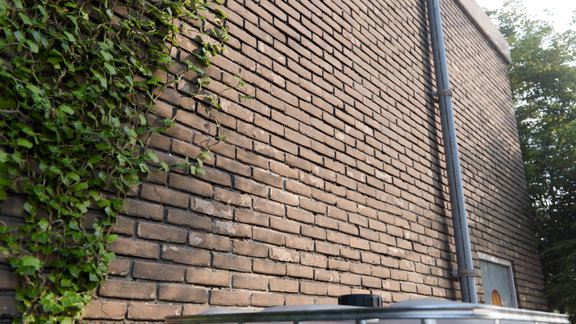
Understand what photoscanning really captures: real surface detail, not just colour. Learn why scanned materials look more believable than traditional textures or generated normals, and how photogrammetry fits into a modern 3D workflow.
Learn to see the world like a scanning artist
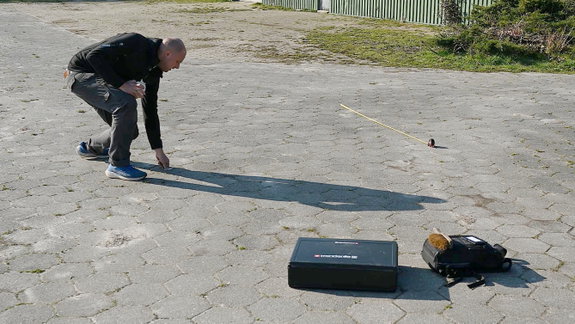
A good scan starts long before the shutter clicks. Learn the gear, camera settings, lighting techniques, then develop the instinct to recognise which surfaces to capture and which are better left behind.
Camera settings, flash lighting, light and weather, colour charts, drone scanning, judging scannable surfaces
Turn real surfaces into production-ready materials
Capture textures on location, develop the RAW files with accurate colour, then process them into seamless PBR materials complete with roughness, normal, displacement and ambient occlusion maps.
RAW development and colour calibration, photoscan reconstruction, bake planes and AO baking, seamless tiling, roughness maps
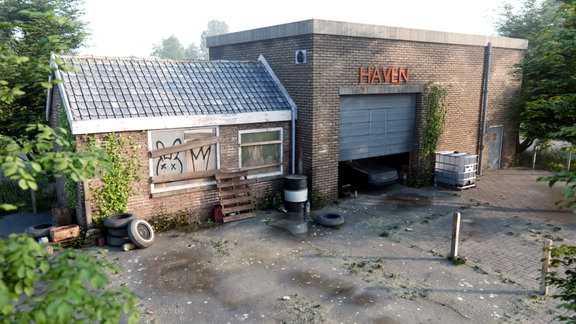
Build a believable environment
Bring your scans to life inside Blender. Create materials, add displacement, blend surfaces together, weather the environment, decorate, and light the scene until it feels like a real place instead of a collection of assets.
Scene blockout, Cycles material setup, adaptive displacement, vertex-paint blending, weathering, HDRI lighting and atmosphere
Turn everyday objects into game-ready assets
Learn the complete object scanning workflow using rocks, planks, barrels and more. Process them through RealityScan, retopology, UV mapping, baking and cleanup to create production-ready models.
Field capture, scan reconstruction, mesh cleanup, retopology, UV mapping, texture reprojection, texture repair, opacity masking
Bring everything together
Finish the environment using your own scans alongside the free Poly Haven library. Scatter vegetation, place props, add atmosphere and learn how individual assets become a convincing, finished scene.
Appending Poly Haven assets, vertex-paint masks, scatter modifier, hand-placement, camera depth of field, puddle masks
What you'll walk away able to do
- Capture texture scans on location
- Scan objects into game-ready models
- Develop RAW files with accurate colour
- Build seamless tileable PBR materials
- Reconstruct scans in RealityScan
- Retopology and UV mapping
- Bake and repair scan textures
- Build, light and dress a full environment
Start scanning the real world
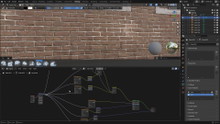
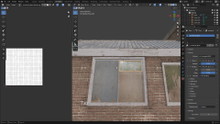
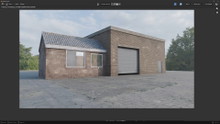
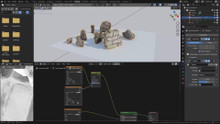
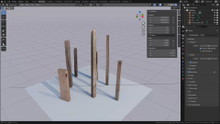
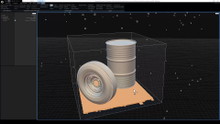
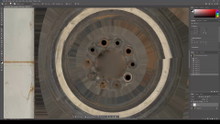
Get the courseA workflow refined over hundreds of scans
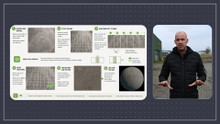
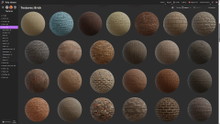
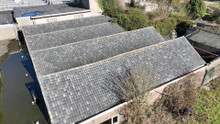
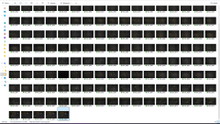
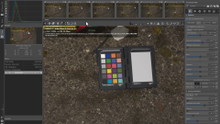
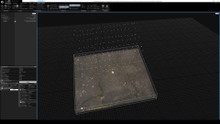
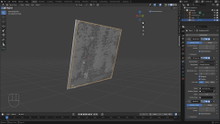
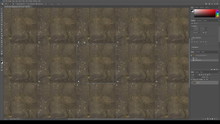
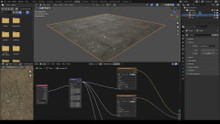
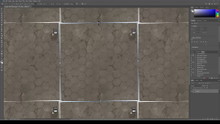
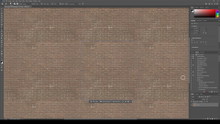
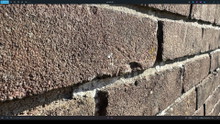
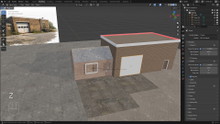
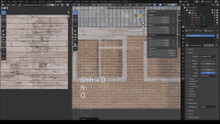
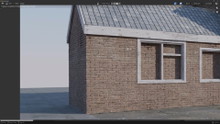
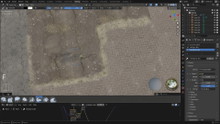
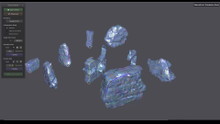
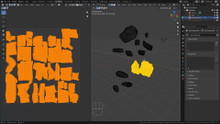
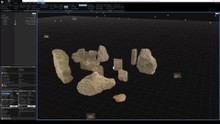
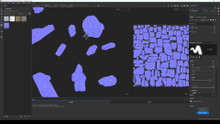
From tileable materials to complex 3D models, every project follows the same production pipeline.
Learn the repeatable workflow behind the assets published on Poly Haven, then apply it to your own work.
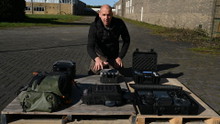
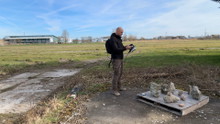
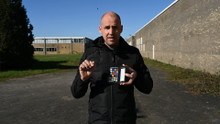
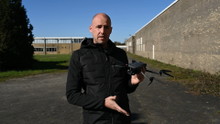
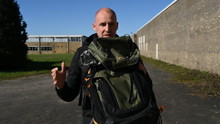
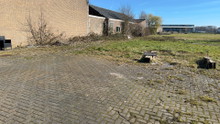
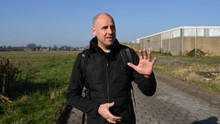
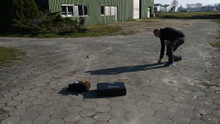
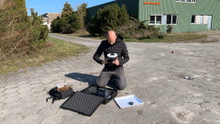
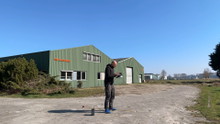
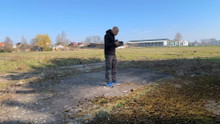
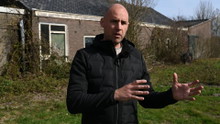
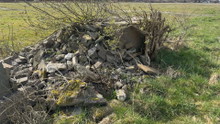
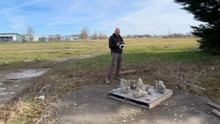
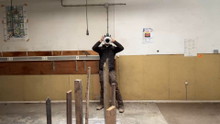
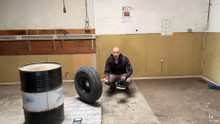
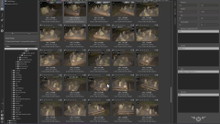
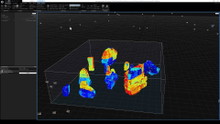
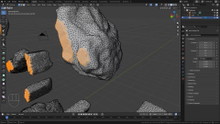
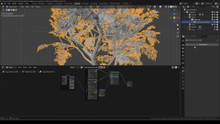
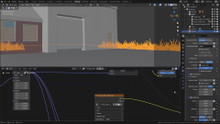
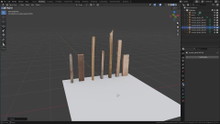
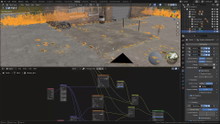
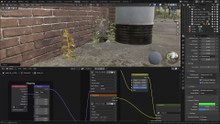
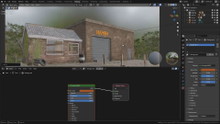
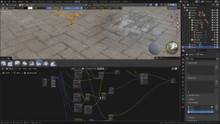
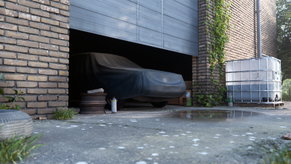
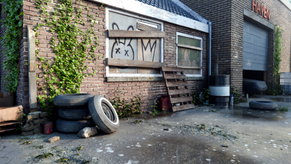
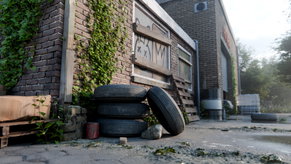
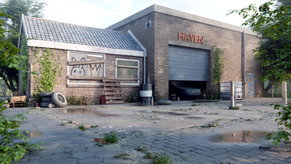
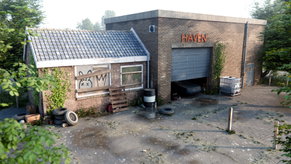
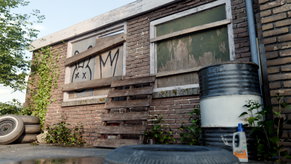
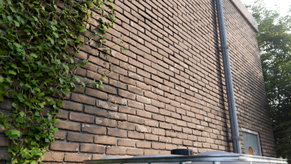
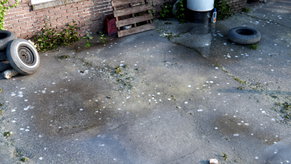
More than just video lessons
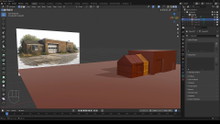
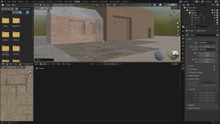
Build a fully dressed Blender environment using your own scans alongside free assets from the Poly Haven library.
Six structured chapters covering the complete production workflow, with English captions on every lesson.
Download the RAW photos, Blender scenes, finished textures and scanned models used throughout the course.
Join our Discord community to ask questions, share your work and get feedback from the Poly Haven team and other artists.
Choose your path...
At Poly Haven we make free high quality 3D assets for everyone. This course is one of the ways we fund that.
Patreon
$7/month
- The full course, streamed online
- Early access to Poly Haven assets
- Vaults & our Blender add-on
- Cancel anytime
or
Superhive
$39 once-off
- The full course, yours forever
- Downloadable for offline viewing
- All project files included
- Free updates
Both options are identical and support the ongoing development of free assets for everyone.
Choose Patreon to gain additional benefits and help unlock the course for everyone for free (see below).
Choose Superhive if you just want the course.
The full curriculum
Made by humans at Poly Haven
For over 10 years, we've been capturing and publishing free HDRIs, textures, and 3D models used by millions of artists around the world.
This course teaches the same production workflow we use ourselves - built on real photography, practical experience and years of refinements, not generative AI.
Every purchase helps fund more free assets for everyone. As always, you can read our public finance reports to see where your money goes.
Questions before you start? Ask us on Discord